How to Track India Post Online: A Simple Step-by-Step Guide
India Post tracking made simple. Learn how to track your India Post parcel online with the consignment number, read each status, and fix a parcel that is stuck.
You sent something through India Post, or a parcel is on its way to you. Now you are holding a small receipt, looking at a long code, and wondering one thing: where is my parcel right now? That is the exact moment this guide is for. No tech words, no running around. Just a clear way to track India Post online and see each step on the road.
The good news is India Post tracking is simple once you know the steps. You need one thing to start: your consignment number. Let us walk through it together, slowly.
What Is India Post Tracking?
India Post is the country’s postal service, and it gives every item you send its own code to follow. When you book a parcel — whether it is Speed Post, Registered Post, or an ordinary parcel — the system logs that code at each stop. So when your parcel moves from one office to the next, a worker scans it, and a new line shows up online. The same Track N Trace tool covers all of these India Post services, so one method works for everything.
If this idea is new to you, our short read on the basics of how courier tracking works breaks it down in plain words. Tracking is just a list of scans that tells you how far your parcel has come.
Where to Find Your Consignment Number
Before you can track anything, you need the consignment number. This is also called the article number. It is the heart of India Post tracking, so find it first.
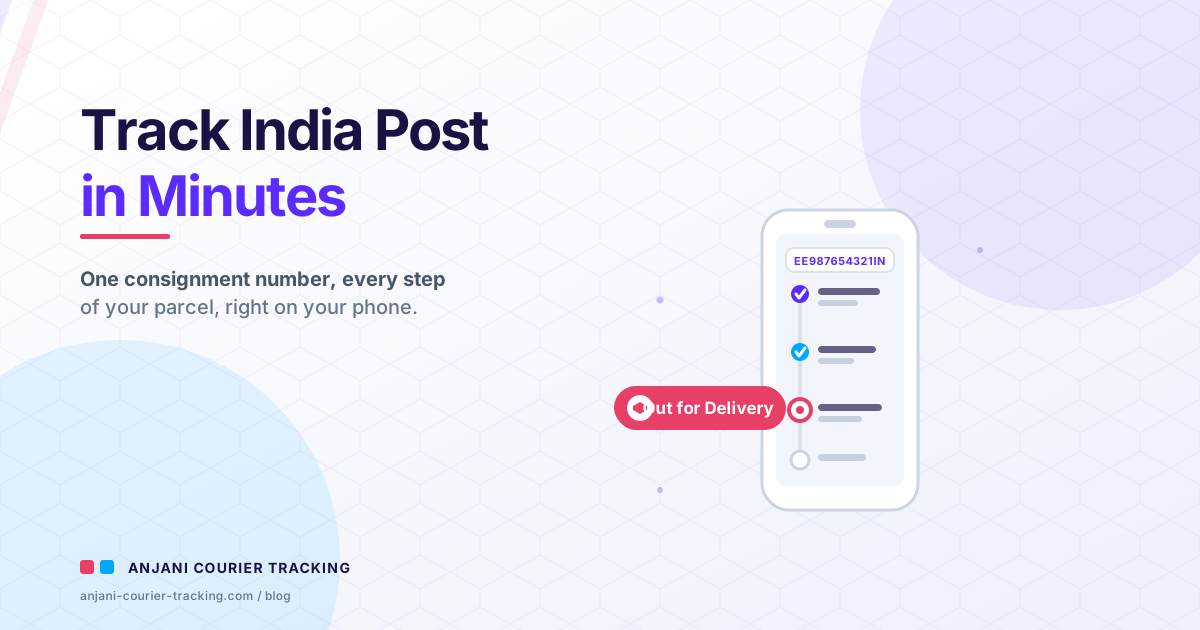
It is 13 characters long. Two letters, then nine numbers, then two more letters. For a parcel sent inside the country, the last two letters are usually IN. So it looks something like EE987654321IN.
Where is it written?
On the receipt. When you book your parcel at the post office counter, the slip you get back has this code printed on it. Keep that slip safe.
In an SMS. If the sender shared it, they may have texted you the number.
From the sender. If a shop or person posted something to you, just ask them for the consignment number.
Copy it down with care. One wrong letter or number means no result, so check each character against the slip before you search.
How to Track India Post Online Step by Step
Here is the easy part. Once you have the number, you can check the status in under a minute.
Step 1. Open a tracking page. The official India Post site is at indiapost.gov.in, or for a quick, no-fuss check you can open India Post Tracking in another tab.
Step 2. Find the Track N Trace tool. This is the page where you type your code. The direct link is the trackconsignment page on the same site.
Step 3. Type your 13-character consignment number in the box. Check each letter twice.
Step 4. Enter the small code shown on screen if it asks, then press Search.
Step 5. Read your status list. The newest update sits at the top.
That is it. If you want a longer walk-through with pictures of each click, our step-by-step guide to tracking your courier online holds your hand through the whole thing.
Track India Post by SMS When You Have No Internet
No data on your phone? No problem. India Post lets you track by SMS too. This is a real, official option, and it is handy for anyone with a basic phone.
Type a message in capital letters like this:
POST TRACK EE987654321IN
Swap in your own 13-character number. Then send it to 166 or to 51969.
Two things to keep in mind. The letters must be in capitals, because the system here only reads CAPITAL letters. And your mobile network may charge its normal SMS rate. The status you get back stays available for about two months after the item was booked.
What Each India Post Status Means
When you look at your India Post status, you will see words that may feel new. Here is what the common stages mean, in order:
Item Booked. The post office accepted your parcel. The journey starts.
Item Bagged. Your item was packed into a mailbag with others going the same way.
Item Dispatched. The bag left the office and is moving to the next stop.
In Transit. Your parcel reached a sorting office in between and is on its way again.
Received at Delivery Office. It has arrived at the post office near the final address.
Out for Delivery. The postman has taken it out to bring it to the door.
Item Delivered. It reached the person, or someone allowed to take it.
Most of these are good news. But two statuses make people worry. If it says delivered and nothing came, do not panic. Read our guide on what to do when tracking says delivered but you got nothing. And if a delivery was tried but missed, here is how to reschedule a failed delivery attempt without stress.
How Long Does India Post Take to Reach You?
This is the question everyone asks. The honest answer: it depends on the service and the distance. Speed Post, the fast option, can land a local parcel in a day or two, while ordinary post takes longer. Something going far can take several days. These are typical numbers, not a promise.
Two things slow people down. First, tracking does not always update the second your parcel moves. It can sit at one status for a while before the next scan shows up. That gap is normal. Second, weekends and holidays can add a day. For a fuller picture of how long delivery usually takes, give that post a read so your hopes match reality.
My Parcel Is Stuck — What to Do Next
Your status has not changed in days. Frustrating, yes. But do not worry yet. Try these steps in order.
Wait a little. A parcel often pauses between sorting hubs. The next scan may simply be late. Give it a day.
Track again. Check the status fresh. A new line may have appeared overnight.
Call the helpline. India Post has a toll-free customer care number: 1800 266 6868. It runs roughly from 9 AM to 6 PM, Monday to Saturday, and stays closed on Sundays and public holidays. Keep your consignment number ready when you call.
File a complaint online. You can raise a complaint through the complaints section on indiapost.gov.in. For a Speed Post item, a complaint can generally be registered within a couple of months of booking, so do not leave it too long. After you file, you can track the complaint status online too.
Stay Safe While You Track
One quick warning, because it matters. Scammers send fake texts that look like a parcel update. They add a link and hope you tap it. Real India Post tracking happens on the official site or by the SMS method above. You do not need to click a strange link from an unknown number. When in doubt, type the official address yourself instead of tapping any link.
Learn to spot a fake parcel delivery SMS scam so a fake “your parcel is held” message never fools you.
At the Doorstep
When the status reads Out for Delivery, your part is almost done. The postman or rider will bring the parcel to your address. For some deliveries, you may be asked for a one-time code at the door. If you are unsure whether to share the delivery OTP at your door, that guide explains the safe rule in plain words. Short version: a code given to the person handing you your own parcel, at your door, is fine.
Quick Tracking Recap
Keep these short points in your head:
Find your 13-character consignment number on the receipt or from the sender, and copy it exactly.
Track it on the official India Post site, or send POST TRACK <number> in capitals to 166 or 51969.
Read the status from top to bottom to see where it is.
Wait a day if it looks stuck, then call 1800 266 6868 or file a complaint. Never tap a link from a surprise text.
You can start a fresh check any time from our homepage and follow your parcel right to your door.
So, Where Is My Parcel?
Grab your receipt and find the consignment number first. With that, the official India Post site or a simple SMS shows you every step, from booked to delivered. Status not moving? Give it a day, then track again, and reach the helpline if you must. Stay away from strange links, copy your number with care, and trust what the status shows. Do that, and you will always know where your parcel is, without the worry.